The rig, the patch and the power it draws — on the show record.
LX plots, patch, fixture sheets and power sheets are the lighting department's own tabs. Import an MVR and the fixtures, layers, positions and patch come out of the plot rather than being typed in again.
Lighting TD, board op, crew chief or the electrician on distro. You are the department with the largest gear count, the longest load-in and the most paperwork that other people need — the rigger wants your points, the shop wants your case list, and the venue wants your power draw before you arrive.
- Your paperwork is other departments' input, so it cannot live on your laptop
- Your rig is imported, not retyped — MVR in, fixtures and patch out
- Your load-in starts before everyone else's and finishes after it
Departments — LX / Lighting
/shows/[showId]/departments
The LX card, with the MVR / Patch workspace on it and LX Plots, Patch, Fixture Sheets and Power Sheets as its tabs. Sheets done, gear items, crew checked in and open tasks are the four numbers on the front of it.
What this module does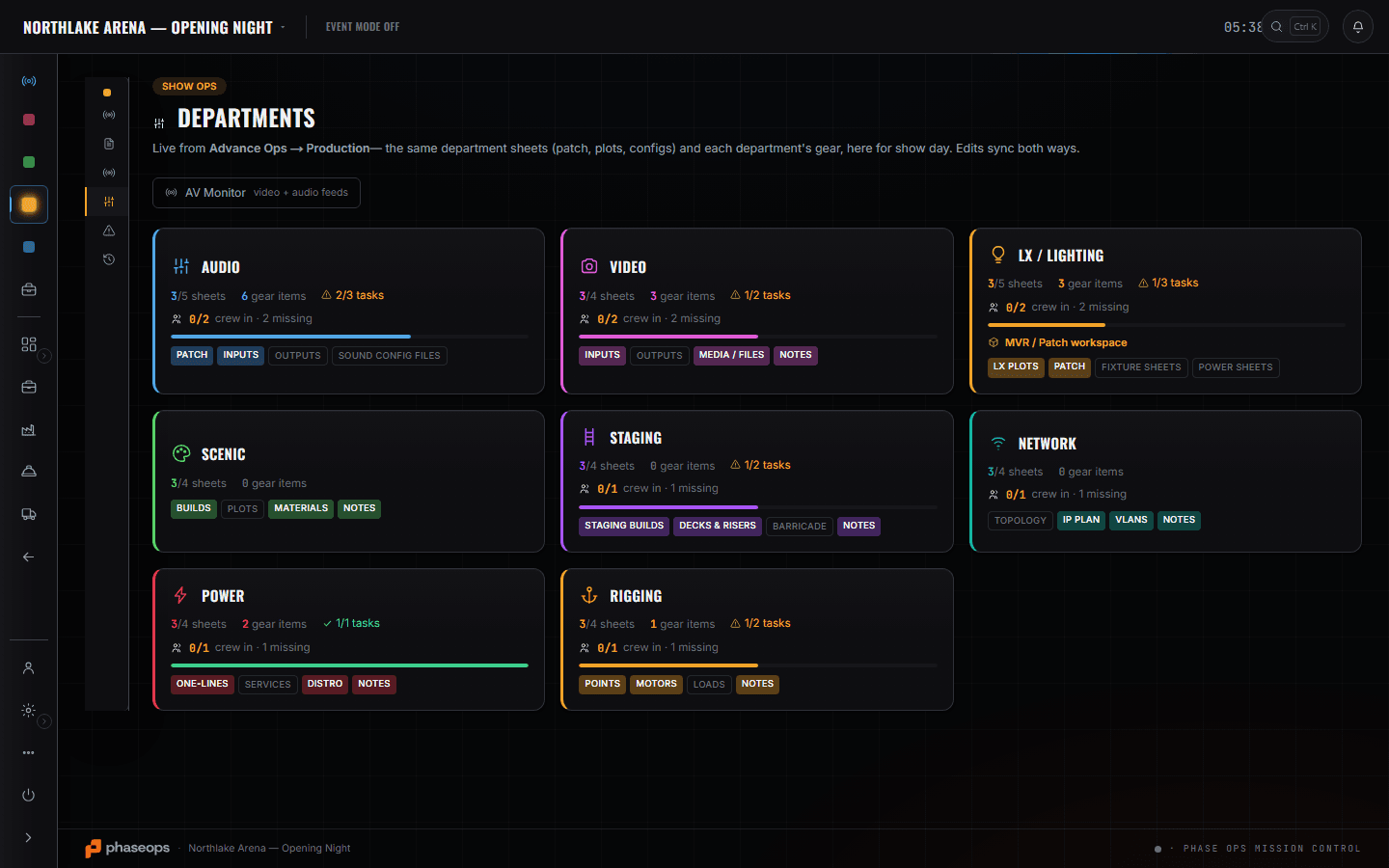
5 screens, and what each one is for.
MVR / Patch workspace
/shows/[showId]/lighting
Drop an .mvr and the show's lighting project is built from it — fixtures, layers, positions and patch straight out of the plot. You can also start from a patch sheet import, or add fixtures one at a time. No capture of this one: it is empty on the demo show, and an empty state is not a screenshot of the product.
Read the module pageGear List
/shows/[showId]/gear
Your fixtures as an event line item with a pulled count — '20 of 36 pulled' on the Source Fours, flagged short — plus a category roll-up so the LX total is one number.
Read the module page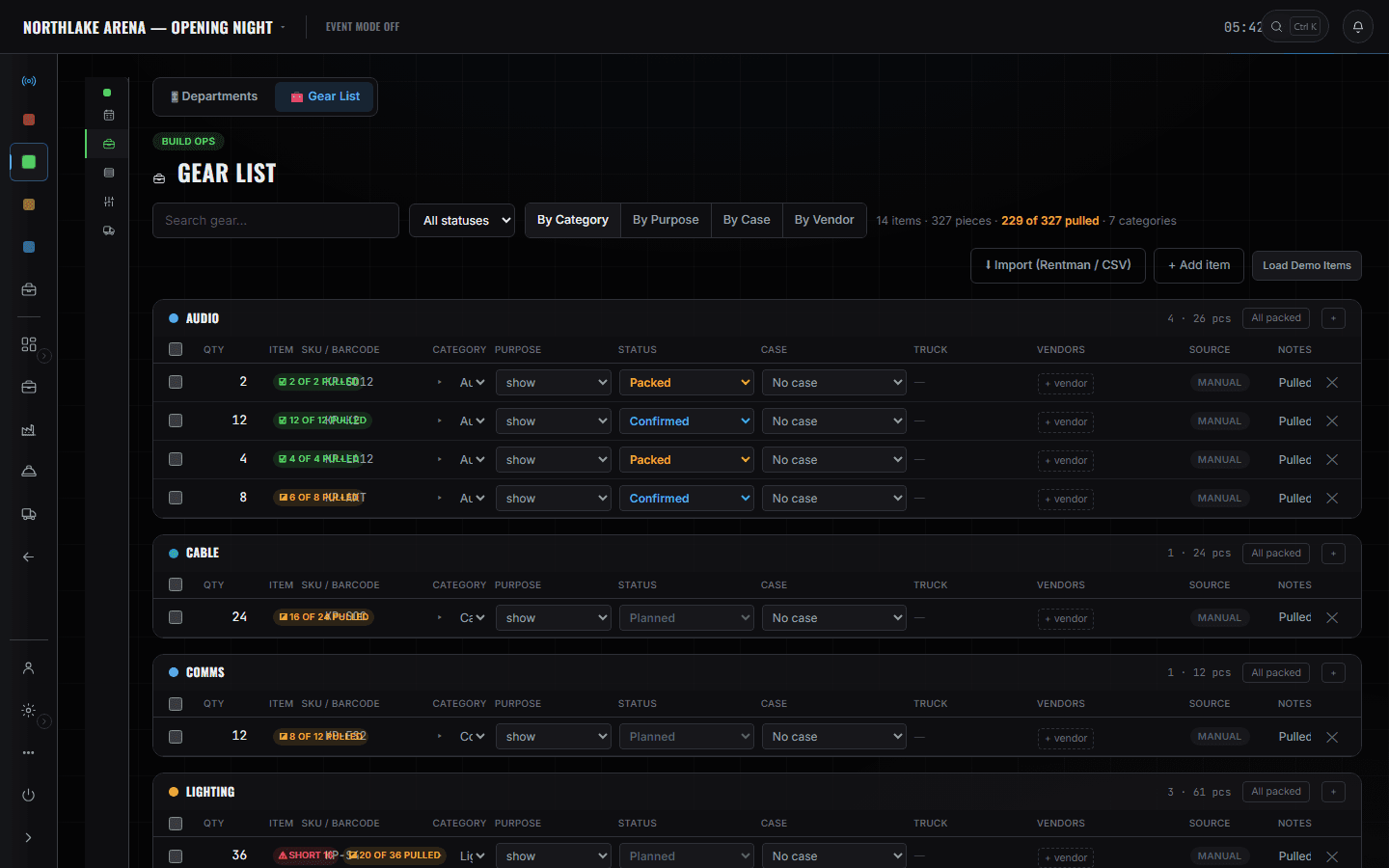
Build Schedule
/shows/[showId]/build
Hang and address the LX rig is a row with a date, a time, an owner and a status. When focus is blocked behind rigging, the board says which item is blocking it rather than leaving you to find out on the floor.
Read the module page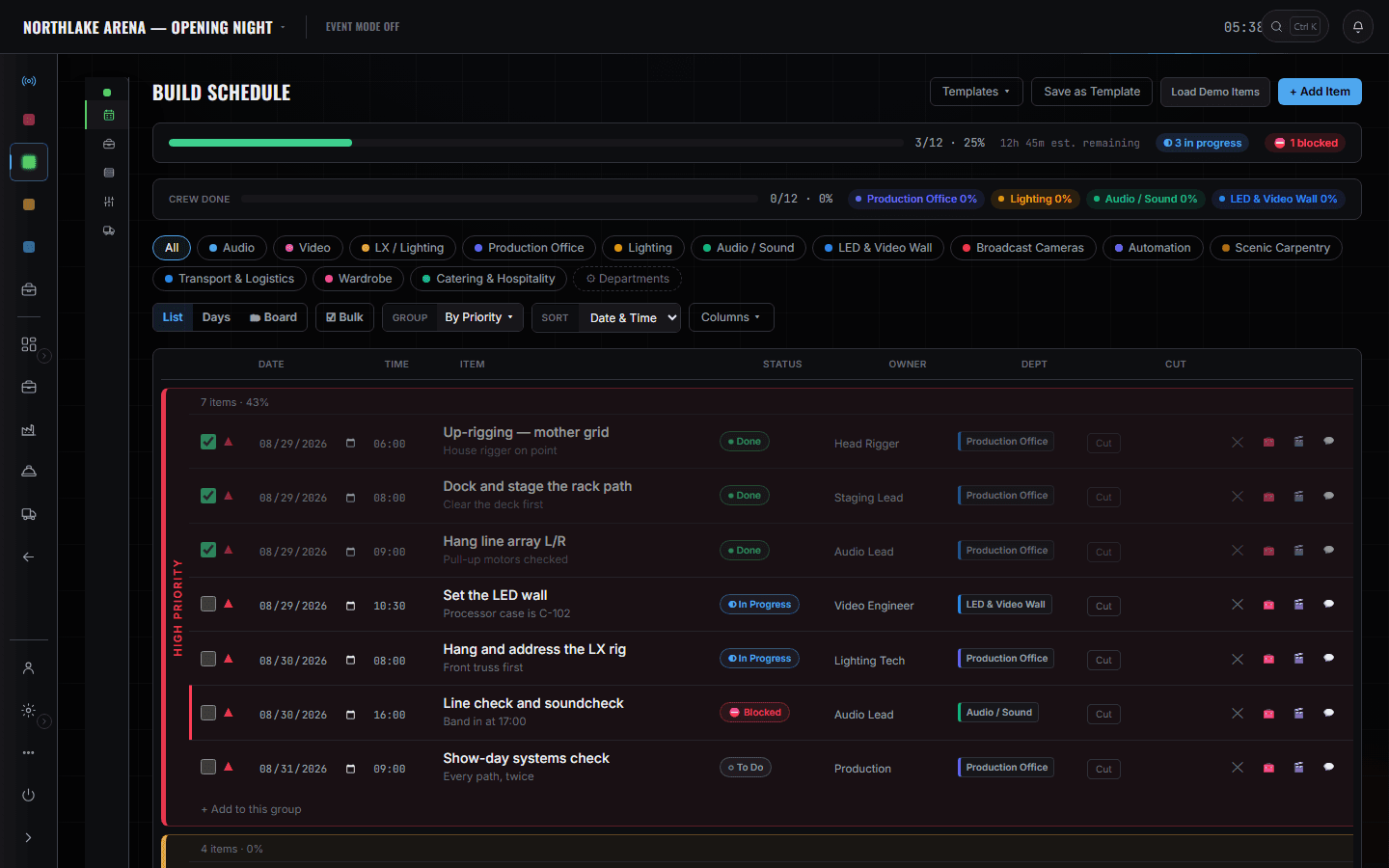
Show Ops — Edit Mode
/shows/[showId]/flow
The cues LX is tagged on. The tag is what filters the crew phone to your department during the show.
Read the module page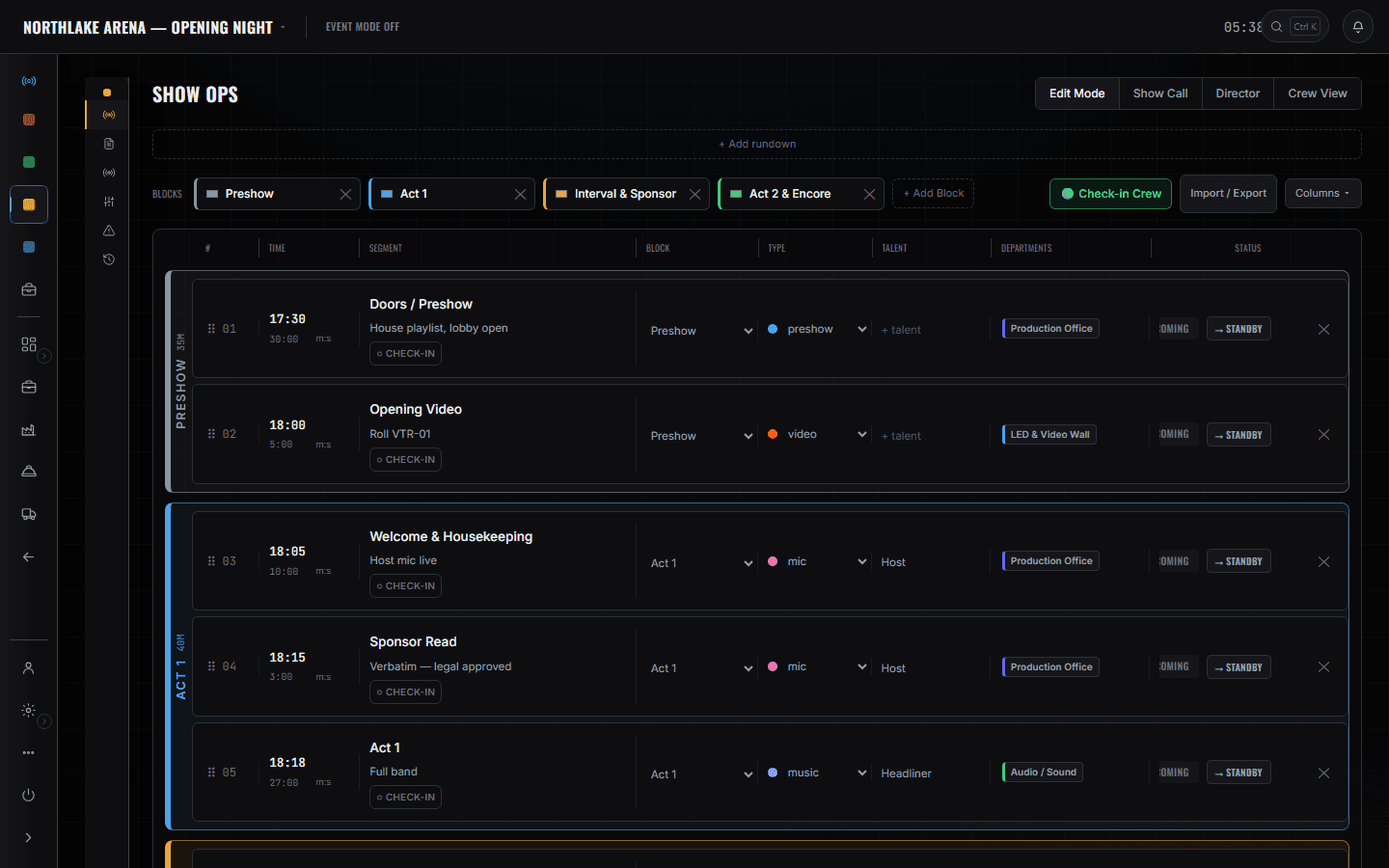
ShopOps pull sheet
/shows/[showId]/shop
What actually left the shop and on which truck. A short line here is a phone call at 09:00 rather than a hole in the rig at 16:00.
Read the module page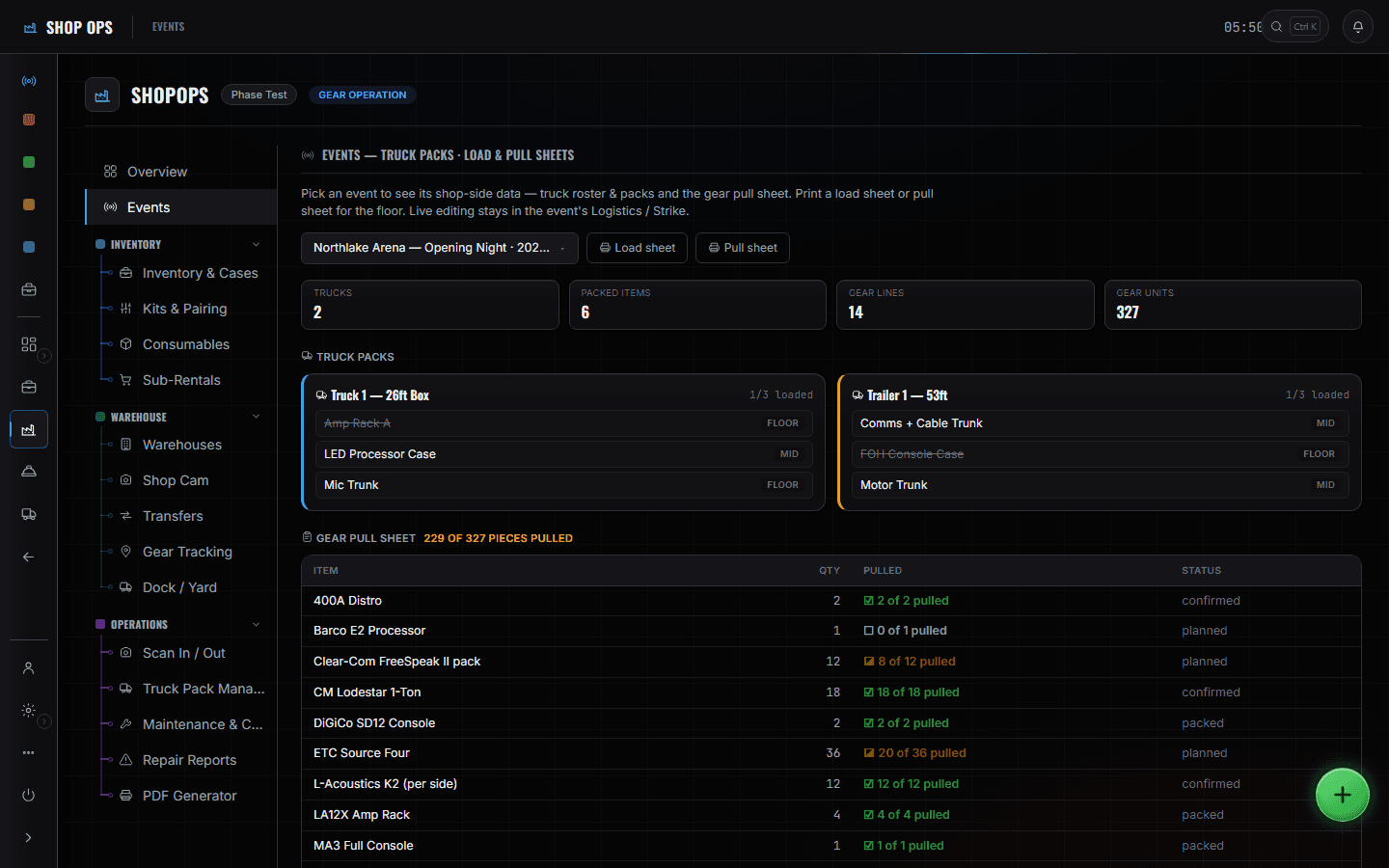
The boundary, before you find it yourself
Half of these are somebody else's screen and half of them are things this software does not do at all. Both are worth knowing now rather than at 16:00 on a load-in day.
Your console
No console control, no cue stack, no output of any kind. The patch sheet is a document; the desk is yours.
Visualisation
The MVR import reads the plot's fixtures and patch. It is not a viz suite and it does not pre-visualise anything.
Dimmers and distro control
Power sheets record the draw and the services. Nothing here switches power.
Load-in, show, load-out.
- Pre-productionImport the MVR; fixtures, positions and patch come off the plot instead of being retyped.Show Ops · MVR / Patch workspace
- PrepCheck the pulled counts on your heaviest lines while the shop can still fix them.Build Ops · Gear List
- Load-inUp-rigging goes done, then hang and address moves to in-progress.Build Ops · Build Schedule
- FocusFixture and power sheets onto the department card, where the venue copy reads from.Show Ops · Departments
- Pre-showCheck in from the phone so the readiness check has you.Crew portal
- LiveLX cues only, on the phone, with the next one counting down.Crew portal · Live
- Load-outCases scanned back; the never-scanned list is where the missing clamp shows up.ShopOps · Gear Tracking